Getting Started with Canva
Your own Canva account must be set up before you download anything. A free account will work, but I recommend the Pro plan so you can take advantage of all the extras it offers.
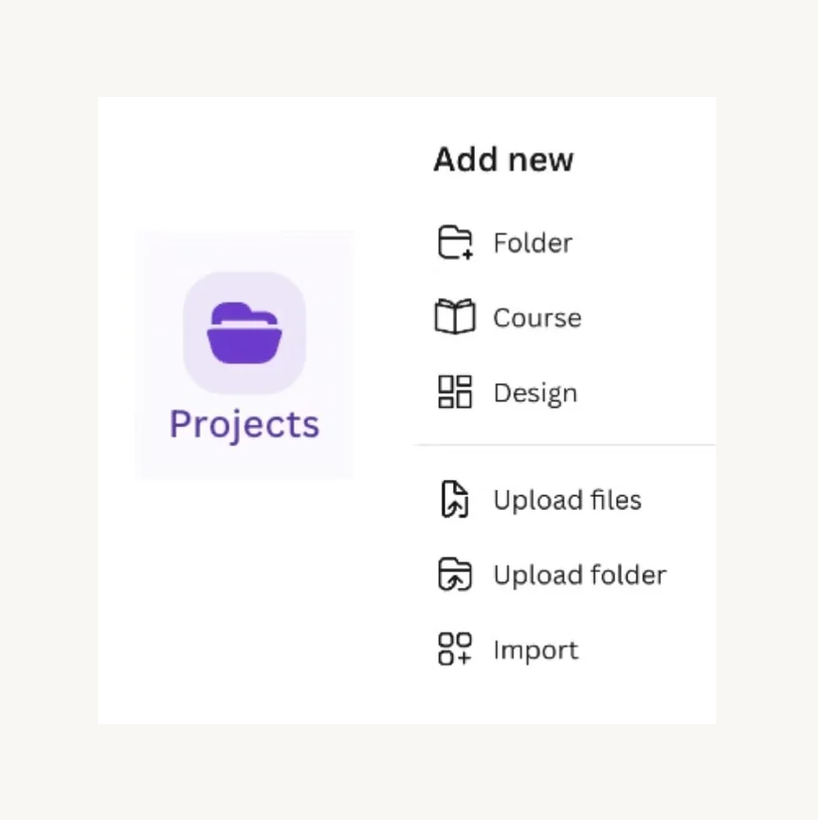
In your Canva account, go to the Projects tab. Right-click in the open field and select Add New Folder. Name the folder Workroom Quoting and Pricing System.
At the bottom of the lesson, you’ll see buttons to download the applicable Canva templates and additional resources, usually in PDF format.
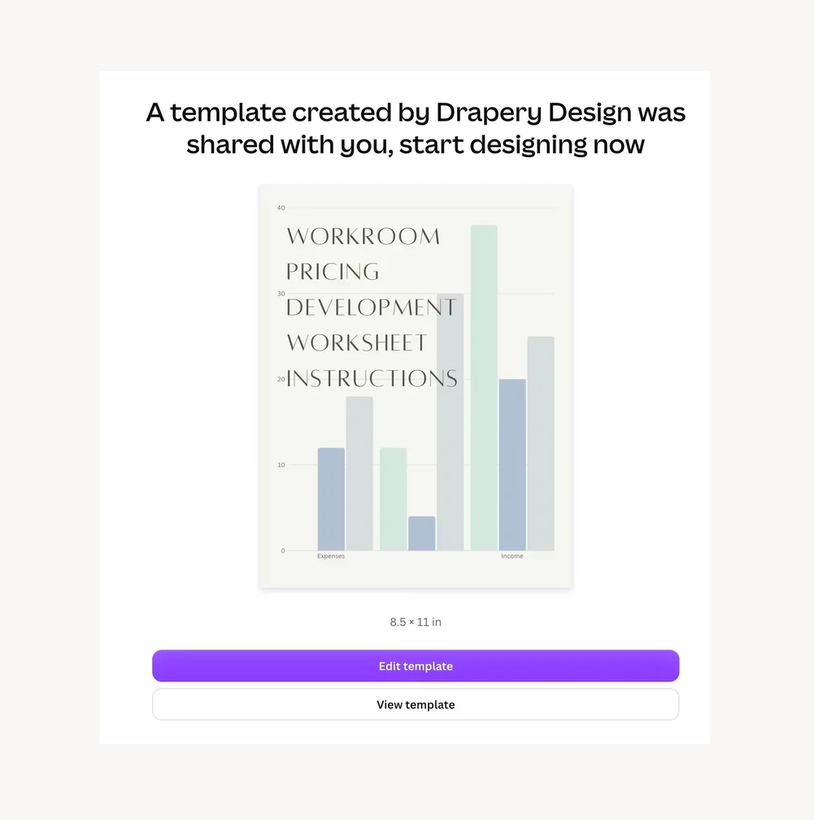
Opening the template will automatically populate in your Canva account. Click the purple “Edit Template” button to see the full template.
Rename the template to label it as your Master copy. You’ll duplicate this copy whenever you want to use the template for a project, so you won’t have to download it again each time. (If you accidentally overwrite your master copy, just return to this page to download it again.)
File the Master copy in the “Workroom Quoting and Pricing System” folder you created.
Try it — Workroom Shop Rate Calculation template: